Loading...
UI/UX
Best Free & Paid Tools for UI/UX Designers
Explore the most powerful free and paid tools every UI/UX designer should use in 2025 for wireframing, prototyping, research, and design.

Shivam Vishwakarma
Updated on 2025-02-18

Why Tools Matter in UI/UX Design
UI/UX design depends heavily on tools that help designers create wireframes, interactive prototypes, conduct research, and collaborate with teams. Choosing the right tool can speed up workflow and improve design quality.
- ✓Helps streamline workflow
- ✓Supports collaboration with developers
- ✓Makes design presentations more effective
- ✓Enhances creativity and experimentation
Tips
- •Start with free tools before investing in paid ones.
- •Choose tools based on project needs, not trends.
Tools
- •Figma
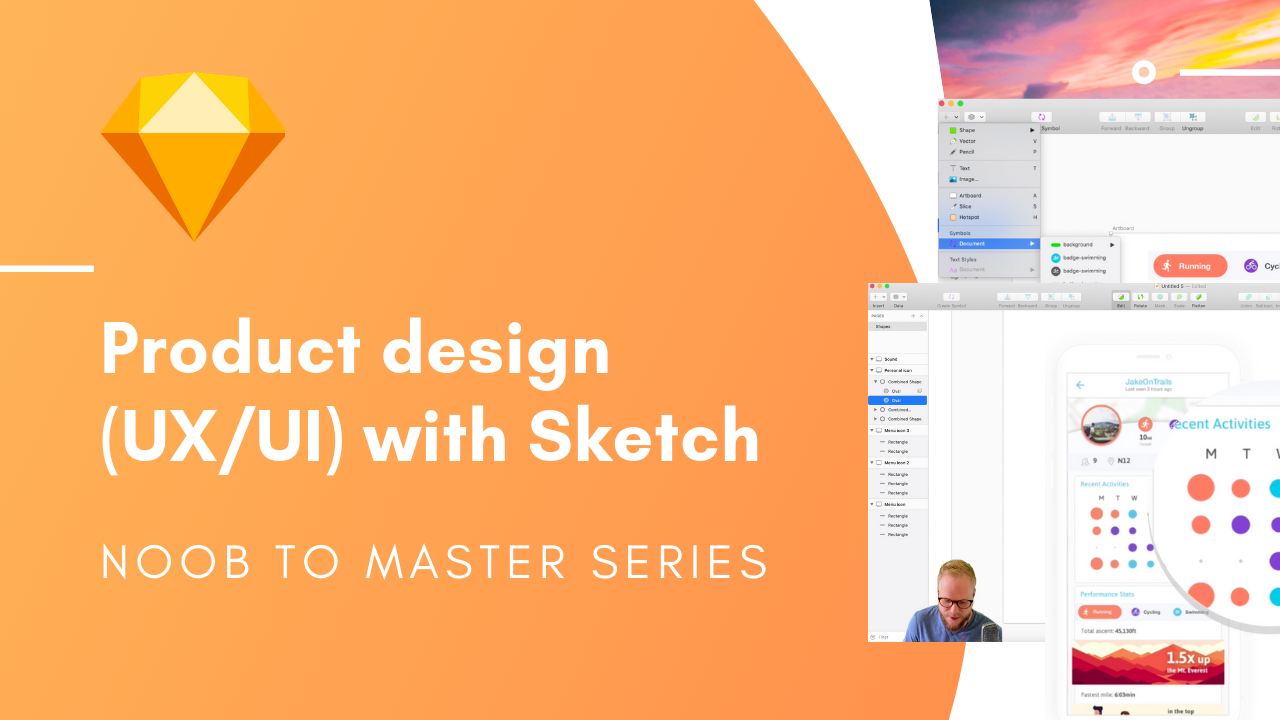
- •Sketch
- •Adobe XD
Best Free Tools for UI/UX Designers
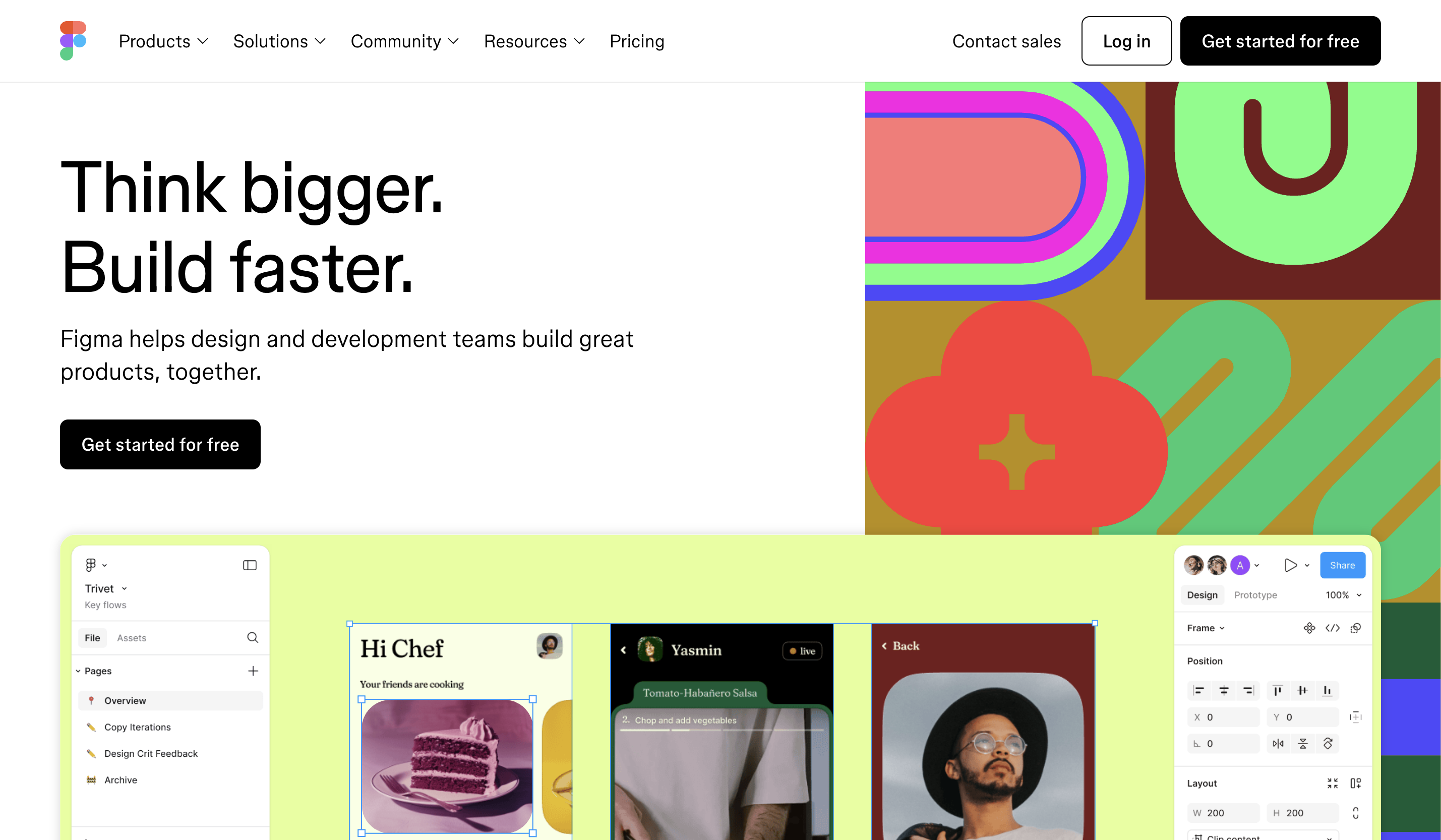
These free tools are perfect for beginners and professionals. They offer powerful features like prototyping, wireframing, and design system creation.
- ✓Figma — Best free tool for UI, UX & prototyping
- ✓Lunacy — Offline Figma alternative
- ✓Penpot — Open-source design platform
- ✓Marvel — Simple prototyping tool
Tips
- •Use Figma Community for free templates and UI kits.
- •Lunacy is great for low-end computers.
Tools
- •Figma
- •Lunacy
- •Penpot
- •Marvel App
Best Paid Tools for UI/UX Designers
Paid tools offer advanced features and better performance for large-scale projects and teams.
- ✓Sketch — Industry standard for Mac users
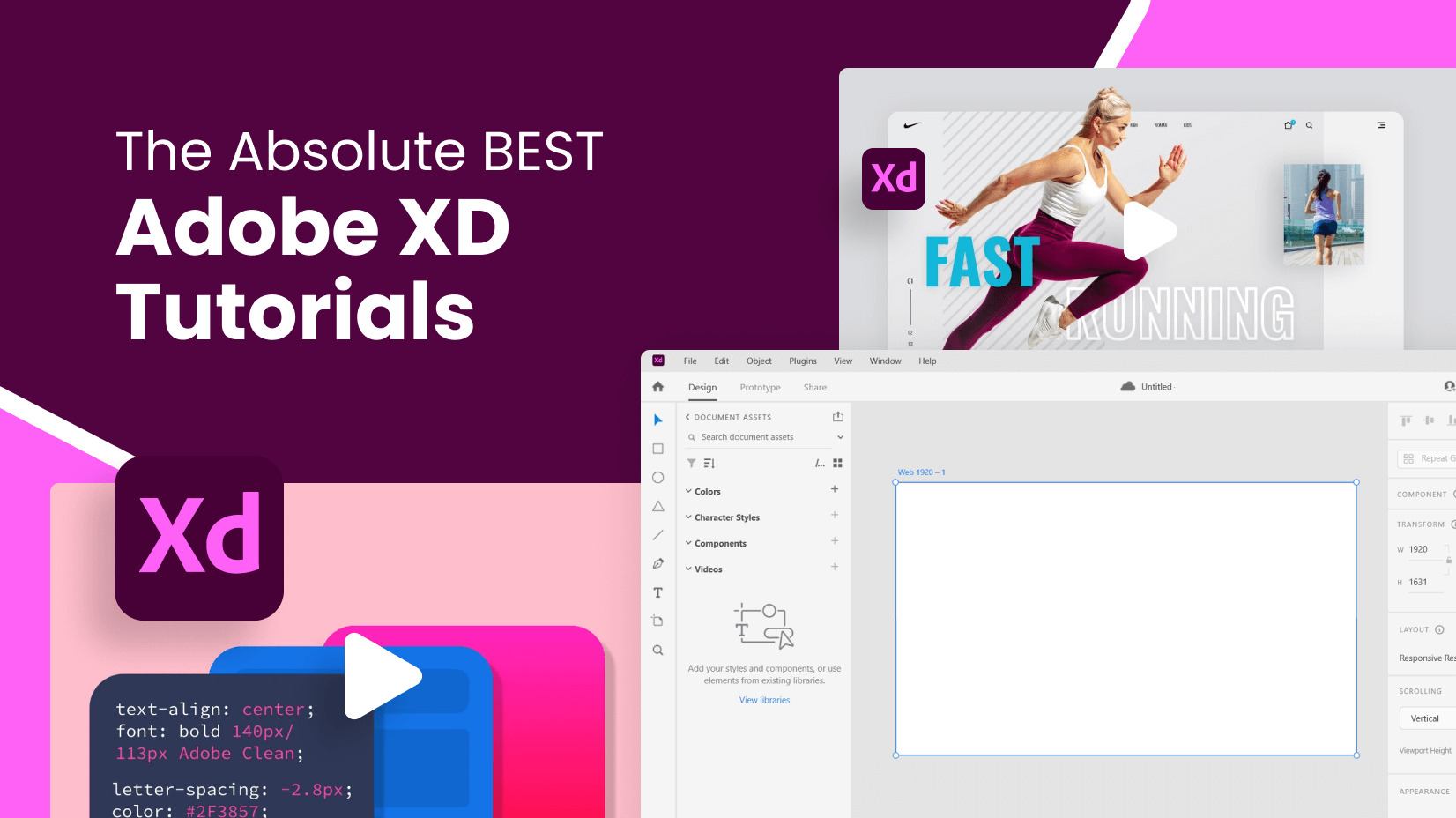
- ✓Adobe XD — Great for Adobe ecosystem users
- ✓Axure RP — Powerful for complex UX flows
- ✓InVision — Popular for collaboration
Tips
- •Use Sketch if you're designing for macOS systems.
- •Axure is best for enterprise-level UX design.
Tools
- •Sketch
- •Adobe XD
- •Axure RP
- •InVision
Tools for Wireframing
Wireframing tools help designers create rough layouts before moving into full visual design.
- ✓Balsamiq — Fast low-fidelity wireframes
- ✓Whimsical — Simple flowcharts & wireframes
- ✓MockFlow — Team-based wireframing
Tips
- •Start with low-fidelity sketches before high-fidelity designs.
- •Use Whimsical for quick brainstorming.
Tools
- •Balsamiq
- •Whimsical
- •MockFlow
Tools for Prototyping
These tools help simulate real app interactions to test user flows and usability.
- ✓Figma — Best for interactive prototypes
- ✓ProtoPie — Advanced interaction design
- ✓Framer — High-fidelity responsive prototypes
Tips
- •Use Figma for quick prototypes.
- •Use ProtoPie for micro-interactions.
Tools
- •Figma
- •ProtoPie
- •Framer
Tools for User Research
User research tools help understand user behavior, gather insights, and validate design decisions.
- ✓Maze — Rapid user testing
- ✓Lookback — Live user feedback
- ✓Hotjar — Heatmaps & analytics
- ✓Google Forms — Simple surveys
Tips
- •Use Maze with Figma prototypes for quick testing.
- •Use Hotjar for website behavior analysis.
Tools
- •Maze
- •Lookback
- •Hotjar
- •Google Forms
Tools for Design Systems
Design system tools help maintain brand consistency and ensure scalable UI creation.
- ✓Figma — Best for component libraries
- ✓Zeroheight — For documenting design systems
- ✓Storybook — UI component development
Tips
- •Organize components properly in Figma.
- •Use Zeroheight to document your design system for teams.
Tools
- •Figma Libraries
- •Zeroheight
- •Storybook
Final Tips for Choosing the Right Tools
The best tool is the one that fits your workflow. You don’t need all tools — just the right combination.
- ✓Start with free tools and upgrade later
- ✓Use Figma as your primary design tool
- ✓Select tools that align with your career goals
- ✓Keep learning as tools evolve
Tips
- •Create a practice project using 2–3 tools.
- •Focus on learning fundamentals—not tool switching.
Tools
- •Figma
- •Sketch
- •ProtoPie
- •Maze
More Posts
Marketing—2025-02-22
Marketing and Branding Explained: Building Trust and Growing Your Business
Marketing and branding help businesses attract customers, build trust, and grow long-term. Learn marketing and branding in simple terms.

Marketing—2025-02-22
Product Marketing Without Investment: ₹0 Platforms for Beginners
Learn how beginners can do product marketing without spending money. Discover ₹0 platforms and free strategies to promote products effectively.

Artificial Intelligence—2025-02-22
Top AI Skills You Should Learn to Succeed in the Future
Artificial Intelligence skills are in high demand across industries. Learn the top AI skills you should learn to grow your career.
Get started with Supahub for free
Stop wasting time & start collecting
user feedback
Keep track of feature requests and understand which feedback carries the most impact and should be prioritized.