Loading...
Web Development
Building Your First MERN Stack Project (Step by Step)
Learn how to build your first MERN Stack project step by step using MongoDB, Express, React, and Node.js in a beginner-friendly way.

Shivam Vishwakarma
Updated on 2025-02-15
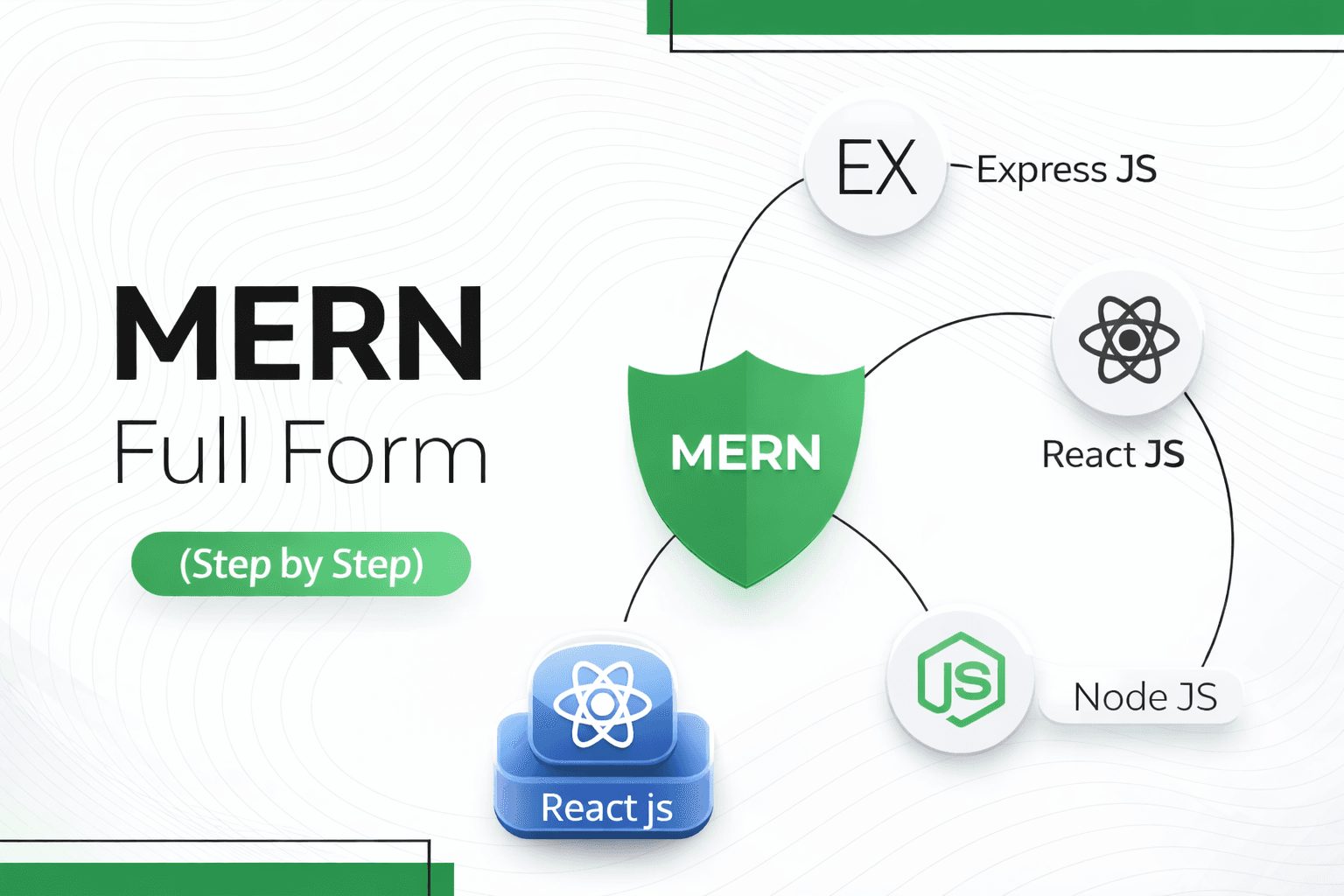
What is MERN Stack?
MERN Stack is a popular JavaScript stack used to build full-stack web applications. It allows developers to use JavaScript for both frontend and backend development.
- ✓MongoDB – Database
- ✓Express.js – Backend framework
- ✓React.js – Frontend library
- ✓Node.js – Server environment
Tips
- •Learn JavaScript basics before starting MERN.
- •Understand how frontend and backend communicate.
Tools
- •Node.js
- •MongoDB
- •VS Code
Project Setup Code (Step by Step)
This section covers the basic setup for backend and frontend in a MERN Stack project.
- ✓Backend setup with Node.js and Express
- ✓Frontend setup with React
- ✓Folder structure
- ✓Basic server and client run commands
Tips
- •Create separate folders for backend and frontend.
- •Run backend and frontend in different terminals.
Tools
- •Node.js
- •npm
- •VS Code
Project Overview
In this tutorial, we will build a simple MERN Stack CRUD application where users can add, view, update, and delete data.
- ✓User can add data
- ✓User can view data
- ✓User can edit data
- ✓User can delete data
Tips
- •Start with a small project.
- •Focus on understanding logic, not design.
Tools
- •Postman
- •Browser
Setting Up the Backend (Node + Express)
The backend handles server logic, APIs, and database communication. We use Express with Node.js to create REST APIs.
- ✓Initialize Node project
- ✓Install Express and other packages
- ✓Create server and routes
- ✓Test APIs using Postman
Tips
- •Use nodemon for auto-restart.
- •Keep routes clean and organized.
Tools
- •Node.js
- •Express.js
- •Nodemon
Connecting MongoDB Database
MongoDB is used to store application data. We connect MongoDB using Mongoose for easy data modeling.
- ✓Create MongoDB database
- ✓Connect using Mongoose
- ✓Create schema and models
- ✓Perform CRUD operations
Tips
- •Use MongoDB Atlas for cloud database.
- •Always handle database errors.
Tools
- •MongoDB Atlas
- •Mongoose
Building the Frontend with React
React is used to build the user interface. It helps create reusable components and manage application state.
- ✓Create React app
- ✓Build components
- ✓Use forms for input
- ✓Display data using state
Tips
- •Break UI into small components.
- •Use useState and useEffect properly.
Tools
- •React.js
- •Vite or Create React App
Connecting Frontend and Backend
Frontend communicates with backend APIs using HTTP requests. Axios or Fetch API is commonly used.
- ✓Send GET requests to fetch data
- ✓Send POST requests to add data
- ✓Update and delete using PUT & DELETE
- ✓Handle API responses
Tips
- •Use Axios for clean API calls.
- •Handle loading and error states.
Tools
- •Axios
- •Fetch API
Testing and Debugging
Testing ensures your MERN application works smoothly without errors.
- ✓Test APIs with Postman
- ✓Check frontend console errors
- ✓Validate form inputs
- ✓Fix common bugs
Tips
- •Read error messages carefully.
- •Use console.log wisely.
Tools
- •Postman
- •Browser DevTools
Deploying Your MERN Stack Project
Deployment makes your project live so others can use it online.
- ✓Deploy backend on Render
- ✓Deploy frontend on Netlify or Vercel
- ✓Use MongoDB Atlas for database
- ✓Connect production environment
Tips
- •Use environment variables.
- •Test production build before launch.
Tools
- •Render
- •Netlify
- •Vercel
More Posts
Marketing—2025-02-22
Marketing and Branding Explained: Building Trust and Growing Your Business
Marketing and branding help businesses attract customers, build trust, and grow long-term. Learn marketing and branding in simple terms.

Career—2025-02-05
Roadmap to Becoming a Successful Freelancer
A complete roadmap to help beginners start, grow, and succeed as freelancers in any field.

UI/UX—2025-03-01
Top 10 UI/UX Terms Every Designer Should Know
A beginner-friendly guide to the 10 most important UI/UX terms every designer should understand
Get started with Supahub for free
Stop wasting time & start collecting
user feedback
Keep track of feature requests and understand which feedback carries the most impact and should be prioritized.